


Stop switching. Activate learning directly in PowerPoint.
Live webinar : see how NTU Singapore uses Wooclap natively inside PowerPoint • June 11 • 2 PM (CEST)
Live interaction, instant data, right inside your Moodle platform
As a Moodle Certified Integration Partner, Wooclap connects to your LMS through a native plugin and a full LTI 1.3 Advantage integration.
What Wooclap brings to your Moodle environment
Real-time interaction, embedded in your courses
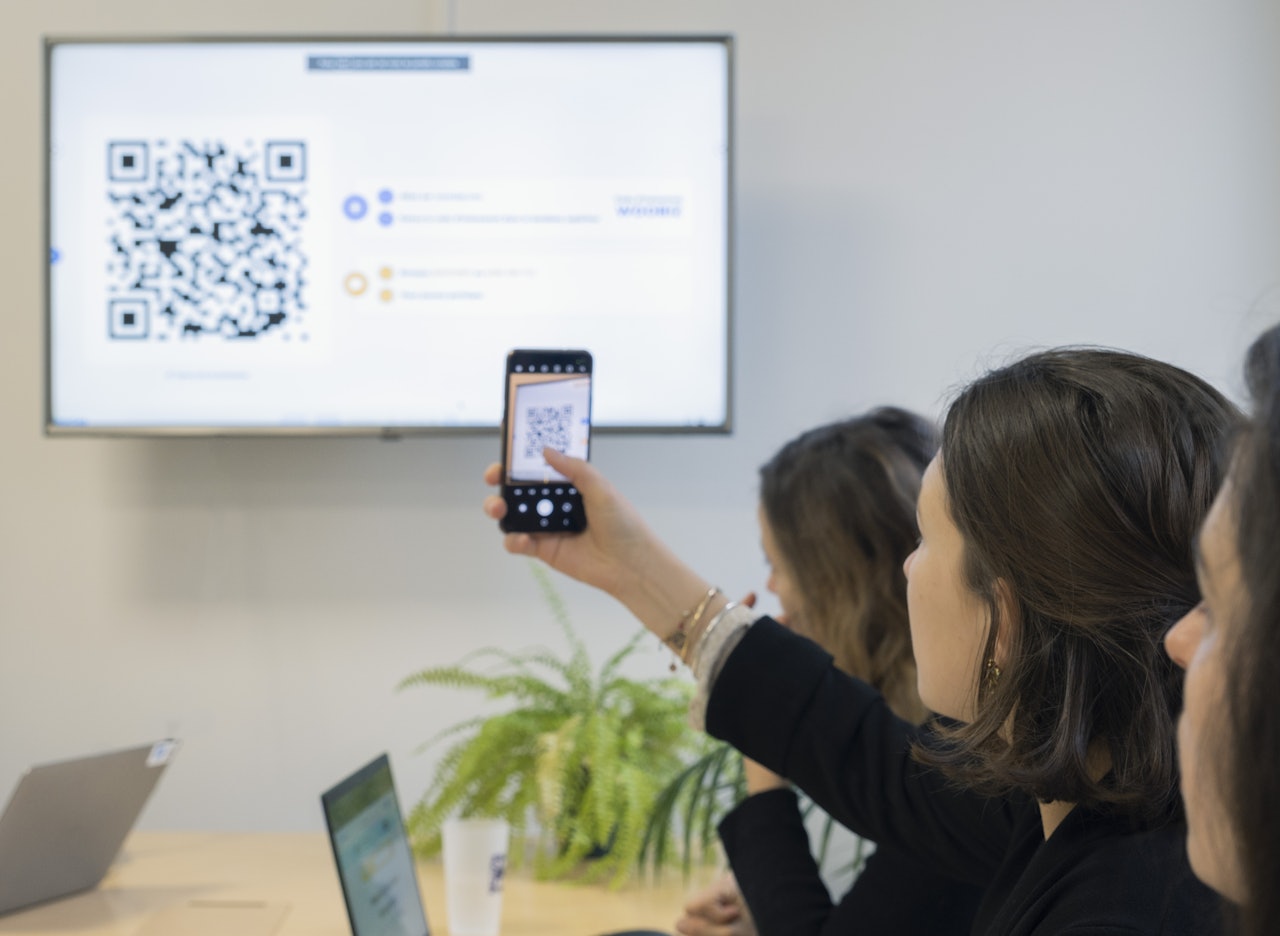
Teachers access 20+ question types directly inside Moodle, running live polls, quizzes, word clouds, and more during their sessions. Students participate from within the course interface, with everything managed from a single place.
Synchronous data, now in your gradebook
Every response, participation signal, and score collected during a live session is synced directly to the Moodle Gradebook. Institutions gain a new source of data: what actually happens during class, captured and recorded automatically.
Seamless access for everyone
Students log in with their existing Moodle credentials and access Wooclap activities just like any other course resource. Teachers manage everything from a single interface they already know.
A new data source for your institution
Wooclap captures every interaction from a live class session, responses, participation, scores, and syncs it all to Moodle automatically. Institutions gain a complete and accurate record of student engagement during synchronous sessions, alongside their other assessment data, all in one place.

Students participate from within Moodle
When a Wooclap activity is embedded in a Moodle course, students click on it just as they would any other course resource and they're in, instantly identified through their Moodle credentials. Every response is tracked and ready to sync.

How Wooclap's integration with Moodle works
Add Wooclap as an activity in your course
Turn editing on in your Moodle course, click "Add an activity or resource," and select Wooclap from the list of external tools. The plugin is available directly in the Moodle plugins directory and can be installed by your institution's Moodle administrator.
Create or link your Wooclap event
Once in Wooclap, create a new event from scratch, duplicate an existing one, or choose from a ready-made template, all without leaving the Moodle interface. Name your activity, configure your settings, and save. The Wooclap activity now appears directly in your course page.
Run your session and sync data to the gradebook
Run your interactive session with your students. When you're done, click "Sync Grades" and all results, scores, and participation data collected during the live session are sent directly to your Moodle Gradebook. One click, done.
How learning technologists and teachers use our Moodle integration
Wooclap's Moodle integration is used in higher education institutions worldwide, wherever teachers want to add real-time interactivity to their courses and feed that data back into their LMS without disrupting the workflows students and faculty already rely on.
Live lectures and in-class polling
Teachers embed Wooclap activities directly in their Moodle course and run them live during the lecture. Students participate in real time, results appear on screen, and the data from that session syncs to the gradebook automatically after class.
Formative assessment and comprehension checks
Faculty use Wooclap activities as checkpoints throughout a module, tracking individual understanding over time. Participation and scores from each live session are synced automatically, building a richer picture of student progress alongside assignment data.
Blended and asynchronous learning
Learning technologists configure Wooclap activities as participant-paced exercises within Moodle course sections, so students complete them independently before or after the live session, without needing to access any tool outside Moodle.
Institution-wide rollout with roster sync
Moodle admins deploy Wooclap across multiple faculties using the native plugin, with student rosters imported automatically and live session data synced centrally, ensuring consistent records across the institution.
More ways to connect Wooclap with your LMS

Canvas
Run interactive sessions and sync grades directly inside Canvas, via a certified LTI 1.3 integration.

Brightspace
Embed Wooclap activities into Brightspace courses and sync participation data to your gradebook automatically.

Blackboard
Bring live polls, quizzes, and 20+ interactive activities into your Blackboard courses. Automate grade and roster syncing directly within your Blackboard environment, with a single unified login for students and faculty.
Get started with Wooclap for Moodle
Install the plugin, embed your first live activity, and start syncing real class data to your gradebook. Your students participate from within Moodle, and your institution gets a complete picture of engagement, assessment and live session data together.
Frequently asked questions
Have questions? We’ve got answers to help you get the most our your....
Discover more
 Integrations
Moodle & Wooclap: 5 pillars of a happy marriage
Wooclap and Moodle integrate seamlessly to help teachers and students add interaction on a single interface.
 Integrations
Wooclap's LTI Integration 1.3, a game-changer for LMS interoperability
Wooclap revolutionizes LMS interoperability with its LTI 1.3 integration
 Integrations
NEW! Easier Than Ever to Integrate Wooclap Into Your LMS With LTI 1.3 Advantage
Discover how to integrate Wooclap into your LMS with LTI 1.3 Advantage