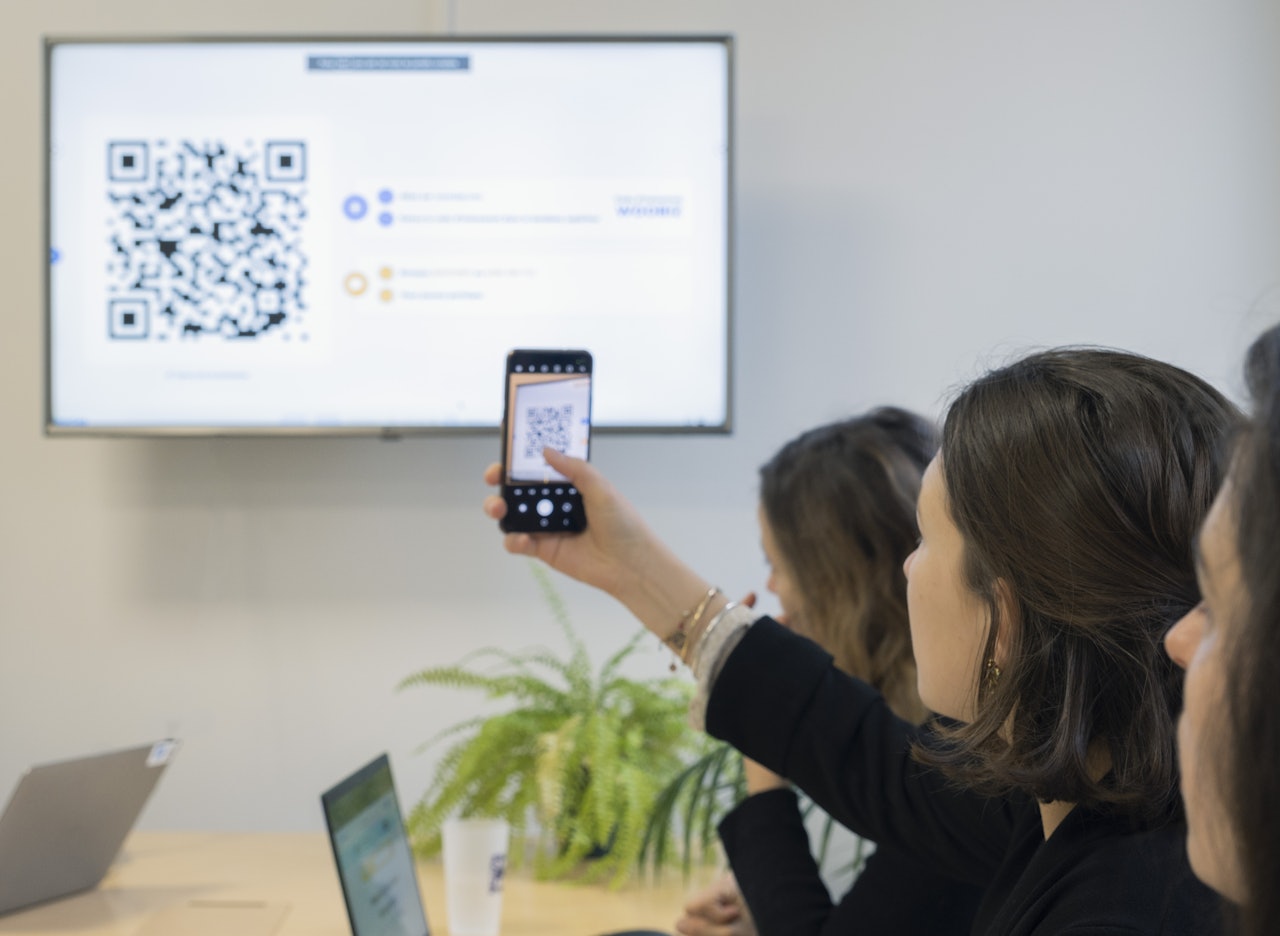
Making active learning possible for all learners
By design, Wooclap helps make interactive learning practices more inclusive by enabling broader and more flexible participation, while accessibility standards guide our ongoing platform improvements.

Not all learners can participate the same way
Wooclap supports accessibility by shaping how learners are invited to participate.
Reduce barriers to speaking up
Participation barriers are lowered by offering alternative ways to contribute, beyond speaking in front of others.
Offer more than one path into interaction
A range of interaction patterns allows learners to engage in different formats and at different moments.
Make understanding visible to everyone
Understanding and misconceptions are surfaced, enabling learning to adjust as the session progresses.
Accessibility as an ongoing product practice
Accessibility at Wooclap is approached as a continuous cycle of improvement, embedded in how we design, build, and evolve the product.
This includes:
- considering accessibility from early design stages
- regular testing throughout development
- shared responsibility across teams
Insights from real usage and user feedback guide ongoing improvements and prioritisation.

Reducing barriers to participation
Wooclap gives every learner more ways to engage, regardless of how they communicate, process, or interact.
Verbal participation can be difficult due to anxiety, communication barriers, or context. With written responses, Wooclap enables participation without speaking. Anonymous responses can be enabled to reduce exposure.

Wooclap and accessibility
Accessibility standards you can rely on
Wooclap aligns with industry-recognized accessibility standards, using WCAG 2.2 guidelines at the AA level as its reference framework. The platform also meets the JISC accessibility criteria.
For organisations requiring formal documentation, a VPAT (Voluntary Product Accessibility Template) is available. It provides clear visibility into current levels of compliance, identified gaps, and ongoing improvement efforts.
Go further into accessible learning design
 NeuroscienceFeatured
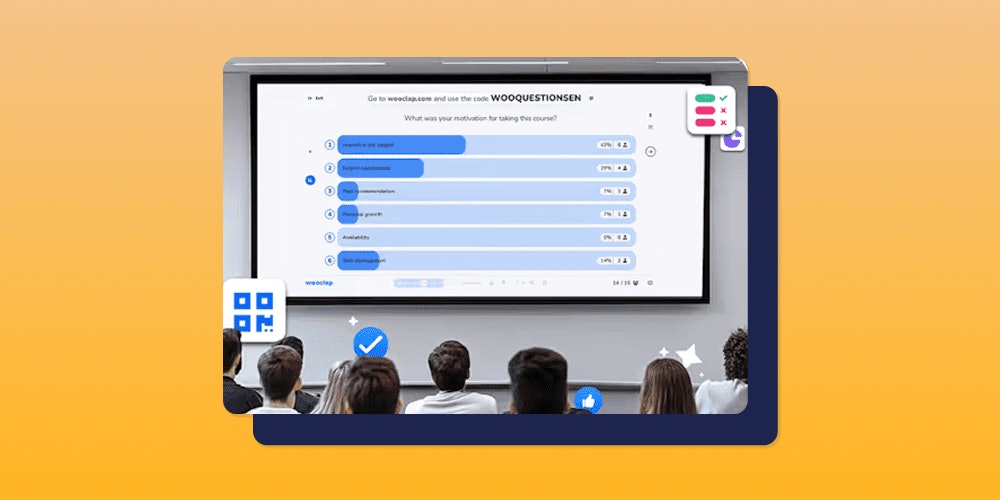
Creating accessible Wooclap Events: a guide for educators
Discover how to create accessible Wooclap Events.
 IntegrationsWooflash
Creating Wooclap events for learners with cognition and learning disabilities
Learning differences shouldn’t mean learning barriers.
Discover how to design Wooclap Events that make every learner feel supported — with practical strategies to simplify instructions, adjust pacing, and turn interactivity into inclusion. From dyslexia to dysgraphia and dyscalculia, this guide helps you create sessions that are both accessible and engaging for all. NeuroscienceIntegrations
Creating Wooclap events for learners with sensory disabilities
Discover how to create Wooclap events for learners with sensory disabilities
Make accessibility part of every learning experience
Create Wooclap sessions that support different needs, abilities, and learning preferences without adding complexity.