


Stop switching. Activate learning directly in PowerPoint.
Live webinar : see how NTU Singapore uses Wooclap natively inside PowerPoint • June 11 • 2 PM (CEST)
Active learning, right inside Brightspace
Listed on the official Brightspace Integration Hub, Wooclap connects to Brightspace via LTI 1.3, bringing real-time interaction directly into any course or activity. Students participate without leaving Brightspace, and results sync to the Gradebook automatically.
Active learning, built into Brightspace
Students participate without leaving Canvas, instructors manage everything from within their existing workflow, and results sync to the Canvas Gradebook automatically
20+ question types for every teaching moment
From multiple choice questions and word clouds to image-based questions and anonymous Q&A, Wooclap's full question library is available directly inside Brightspace, designed to turn passive content into active participation.
Live session data, synced to your Gradebook
After each session, sync results, attendance, or participation directly to the Brightspace Gradebook with one click, giving institutions structured data from what actually happens during class.
One seamless experience for everyone
Students access Wooclap activities through their existing Brightspace login with no separate account needed. Instructors create, reuse, and manage activities from within the Brightspace interface they already know.
3 easy steps to connect Brightspace
Add Wooclap to your course
In the content area of your Brightspace course, add Wooclap as an external tool activity. Wooclap is listed in the Brightspace Integration Hub, and the LTI 1.3 integration is enabled once by your Brightspace administrator using Wooclap's access keys.
Create or reuse existing activities
From within Brightspace, create a new event from scratch, import an existing quiz from Brightspace directly into Wooclap, or reuse activities across courses. All 20+ question types and AI features are available without switching platforms.
Launch, engage, and sync results
Run your session with your students. When it ends, click "Synchronise with LMS" and choose what to send to the Gradebook: results (scores from graded questions), attendance, or participation rate. One click, done.
Why educators and learning technologists love using Wooclap with Brightspace
As the leading Brightspace-compatible student response system, Wooclap is designed to feel like a natural extension of the LMS you use every day. Move beyond static content and transform your Brightspace courses into dynamic, engaging learning environments. Our LTI 1.3 integration is built for educators who want to save time, boost participation, and simplify their digital workflow.
Seamless LTI 1.3 integration
Direct access to all Wooclap features within Brightspace, via a secure, standards-based LTI 1.3 connection configured once by your administrator.
Import your existing Brightspace quizzes
Reuse content you have already built. Export quizzes from Brightspace as a Brightspace Package and import them directly into Wooclap, then run them as live sessions
Easy access with SSO
Students and instructors log in with their existing institutional credentials. No extra account, no extra step, no confusion.
Flexible grade sync
After each session, choose which data to send to the Gradebook: question scores, attendance sheet completion, or participation rate.
Full question type compatibility
All 20+ Wooclap question types are available inside Brightspace, including AI-generated ones, from multiple choice questions to image-based activities and word clouds.
Collaboration with colleagues
Duplicate, edit, and assign Wooclap activities across courses and sessions, and share them with other instructors directly from within your Brightspace environment.
More ways to connect Wooclap with your LMS

Canvas
Run interactive sessions and sync grades directly inside Canvas, via a certified LTI 1.3 integration.

Blackboard
Embed Wooclap activities into Blackboard Learn courses and sync participation data to your Grade Center automatically.

Moodle
Add Wooclap to any Moodle course with a dedicated native plugin, with one-click grade sync to the Moodle Gradebook.
Get started with Wooclap for Brightspace
Enable the integration, embed your first activity, and run your first live session in minutes. Your students participate from within Brightspace, and your institution gets a complete active learning layer built on a secure, LTI 1.3-certified foundation.
Frequently asked questions
Have questions? We’ve got answers to help you get the most our your questions
Discover more
 Integrations
Wooclap's LTI Integration 1.3, a game-changer for LMS interoperability
Wooclap revolutionizes LMS interoperability with its LTI 1.3 integration
 Integrations
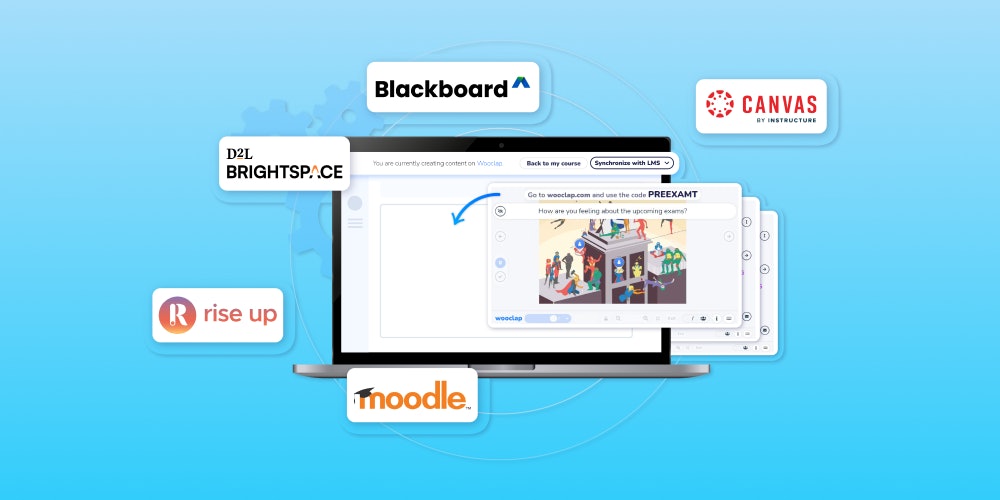
NEW! Easier Than Ever to Integrate Wooclap Into Your LMS With LTI 1.3 Advantage
Discover how to integrate Wooclap into your LMS with LTI 1.3 Advantage
 Comparison
Brightspace vs Canvas: A definitive comparison [August 2025]
Discover the comparison between Brightspace and Canvas