


Stop switching. Activate learning directly in PowerPoint.
Live webinar : see how NTU Singapore uses Wooclap natively inside PowerPoint • June 11 • 2 PM (CEST)
Active learning, right inside Canvas
As a Canvas Certified Integration, Wooclap connects natively to Canvas via LTI 1.3 Advantage, bringing real-time interaction directly into any course module.
What Wooclap brings to your Canvas courses
Students participate without leaving Canvas, instructors manage everything from within their existing workflow, and results sync to the Canvas Gradebook automatically
Live classroom data, now visible in Canvas
For the first time, what happens during synchronous teaching — student responses, participation, real-time results — is captured and synced directly into Canvas. Institutions gain structured, actionable data from the moments that matter most: when teaching actually happens.
20+ question types designed for live teaching
Unlike the static question tools built into Canvas, Wooclap is synchronous-first: students respond in real time, results appear instantly, and the energy of a live session stays intact. Multiple choice, word clouds, image questions, open questions, ratings, every format is built for the moment of teaching, not for self-paced assessment.
Everything in one place for instructors
Create, duplicate, and manage Wooclap activities without leaving Canvas. Browse your existing library, launch sessions, and sync grades to the Canvas Gradebook with one click. No platform switching, no added complexity.
Deep linking: your content library, inside Canvas modules
With LTI 1.3 Deep Linking, instructors can browse their entire Wooclap library from within Canvas, select an existing activity, duplicate it, rename it, and embed it directly into a course module in just a few clicks. The activity appears in the module as a native Canvas item. Students click it, are authenticated automatically via SSO, and participate instantly.

Students participate without ever leaving Canvas
When a Wooclap activity is embedded in a Canvas course, students access it the same way they access any other course resource. Authentication happens automatically through their Canvas credentials. Every response is captured and ready to sync to the gradebook, with no extra login or separate tool for anyone.

How Wooclap works inside Canvas
Add Wooclap from your Canvas module
From any Canvas course module or assignment, select Wooclap from your list of external tools. The LTI 1.3 integration is enabled once by your Canvas administrator, after that, it's available to every instructor across the institution.
Select or create your Wooclap activity
From within Blackboard, create a new event from scratch, duplicate an existing one, or import from your library. All 20+ question types and AI features are available without switching platforms.
Run your session and sync results
Launch the activity with your students during class. When the session ends, click "Sync Grades" to send scores, participation data, or attendance directly to the Canvas Gradebook. One click, done.
See the full workflow in a few minutes
Watch a short walkthrough showing how to add a Wooclap activity to a Canvas module, run a live session, and sync grades. The full setup takes just a few minutes from first click to first question.
How teachers and learning technologists use Wooclap in Canvas
Wooclap's Canvas integration is built for higher education institutions where teachers want to add real-time interactivity to their courses without disrupting the workflows
Live lectures and in-class polling
Instructors embed Wooclap activities in their Canvas modules and run them live during lectures. Students participate in real time from their usual Canvas environment, and results sync to the gradebook automatically after class.
Formative assessment across a module
Faculty use Wooclap activities as low-stakes checkpoints throughout a course, building a richer, session-by-session picture of student understanding alongside assignment data.
Content reuse and course duplication
Instructional designers duplicate Wooclap activities across course sections or academic years directly from within Canvas, keeping content consistent and reducing preparation time each semester.
Institution-wide deployment
Learning technologists configure Wooclap as an LTI 1.3 tool once, making it available to every instructor across all faculties with no repeated setup and no additional support overhead.
Create Canvas-ready activities faster with Wooclap AI
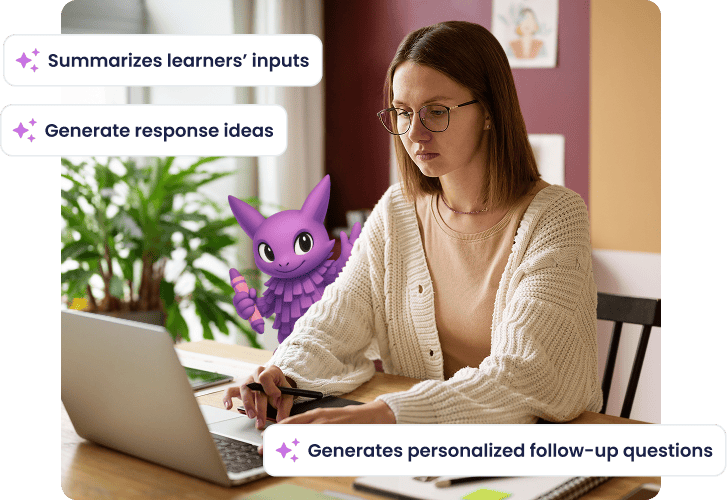
Wooclap's AI question builder generates quizzes, polls, and open questions from any course content, documents, slides, URLs, or free text, in seconds. Create and embed activities directly within Canvas and launch them with your students straight away. Less preparation time, more time for what matters in courses.
Duke University: Engagement and Learning

The Wooclap integration in Canvas has been crucial for us. It’s allowed us to show instructors what they might be missing from the LMS out of the box. The integration is designed to enhance the student experience, whether online or in a hybrid setting, by creating a seamless learning environment.
Chris LorchLead for Learning Technologies Pilots and Integrations at Duke University
Duke University about Canvas Integration
Everything you need for a certified Canvas integration
Embed Wooclap activities directly into Canvas courses via LTI 1.3. Grades, attendance, and participation data sync automatically to your Canvas Gradebook, no manual exports needed.
Canvas Certified Integration status
Wooclap has passed Instructure's 14-point certification program, covering LTI 1.3 Advantage compliance, WCAG accessibility, and data security. Verified by Canvas, trusted by institutions.
LTI 1.3 Deep Linking
Instructors browse their Wooclap library, select an activity, and embed it directly into any Canvas module in a few clicks. The activity appears as a native Canvas item, with no separate link or login needed.
One-click grade and participation sync
Scores, participation credit, and attendance data collected during live sessions sync to the Canvas Gradebook with a single click after each session.
Content management without leaving Canvas
Create, duplicate, edit, and organise Wooclap activities from within the Canvas interface. No platform switching for instructors at any stage of the workflow.
Automatic student authentication via Canvas credentials
Students access Wooclap activities through their existing Canvas login. Their participation is tracked automatically and linked to their Canvas profile.
Full access to 20+ question types and AI features
Multiple choice questions, word clouds, image-based questions, open questions, rating scales, and more are all available inside Canvas, including AI-powered question generation.
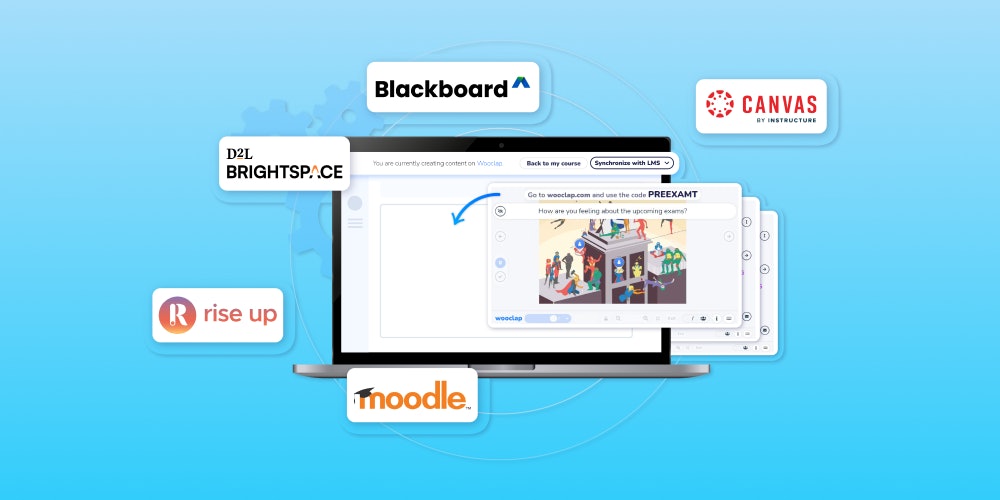
More ways to connect Wooclap with your LMS

Blackboard
Bring live polls, quizzes, and 20+ interactive activities into your Blackboard courses. Automate grade and roster syncing directly within your Blackboard environment, with a single unified login for students and faculty.

Brightspace
Push live polls, word clouds, and assessment scores directly into your Brightspace environment. Grade and roster data sync automatically, so you spend less time on admin and more time teaching.

Moodle
Add Wooclap to any Moodle course with a dedicated native plugin, with one-click grade sync to the Moodle Gradebook.
Get started with Wooclap for Canvas
Enable the integration, embed your first activity into a Canvas module, and run your first live session in minutes. Your students participate from within Canvas, and your institution gets a genuinely interactive layer built on a certified, secure foundation.

Frequently asked questions
Have questions? We’ve got answers to help you get the most our your....
Discover more
 Integrations
Wooclap is now a Canvas certified integration
Wooclap is officially Canvas certified, ensuring seamless integration, top-tier data security, and accessibility for instructors, institutions, and students.
 Integrations
NEW! Easier Than Ever to Integrate Wooclap Into Your LMS With LTI 1.3 Advantage
Discover how to integrate Wooclap into your LMS with LTI 1.3 Advantage