

Optimizing instructional design in your institution.
New to Wooclap? Join us for our next group live demo!

Collaborative frameworks, made interactive
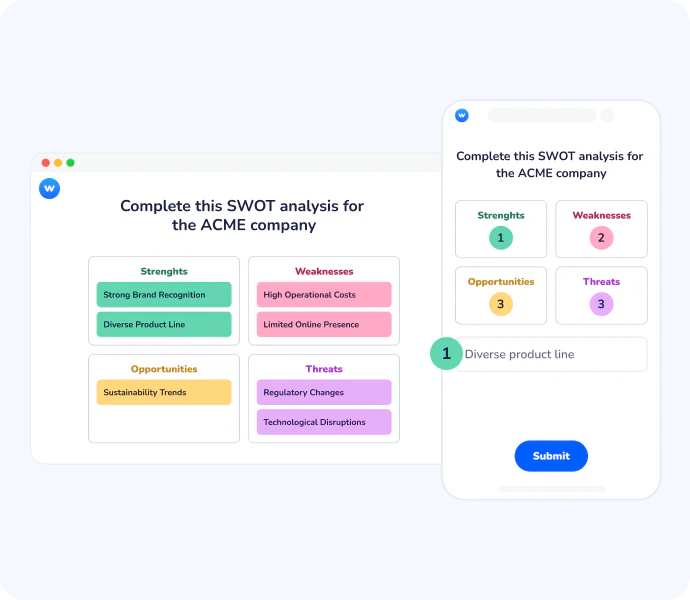
Framework lets participants contribute ideas directly onto a shared visual canvas: a SWOT, an Ansoff matrix, a Business Model Canvas, or any custom template. Each response appears in real time, zone by zone, turning a static model into a live exercise.




Make collective thinking visible, and actionable
Structured participation
Everyone contributes to the right place. Participants submit ideas into predefined zones, so responses are automatically organised by category, no post-session sorting needed.
Visible collective thinking
Group insights emerge in real time. As contributions come in, the full picture builds live on screen, helping educators and participants see patterns, gaps, and priorities as they form.
Works with any model
Not limited to one template. Upload any image as your canvas: SWOT, Porter's Five Forces, McKinsey 7S, Empathy Map, Business Model Canvas, and define the zones yourself.
From passive observation to active contribution
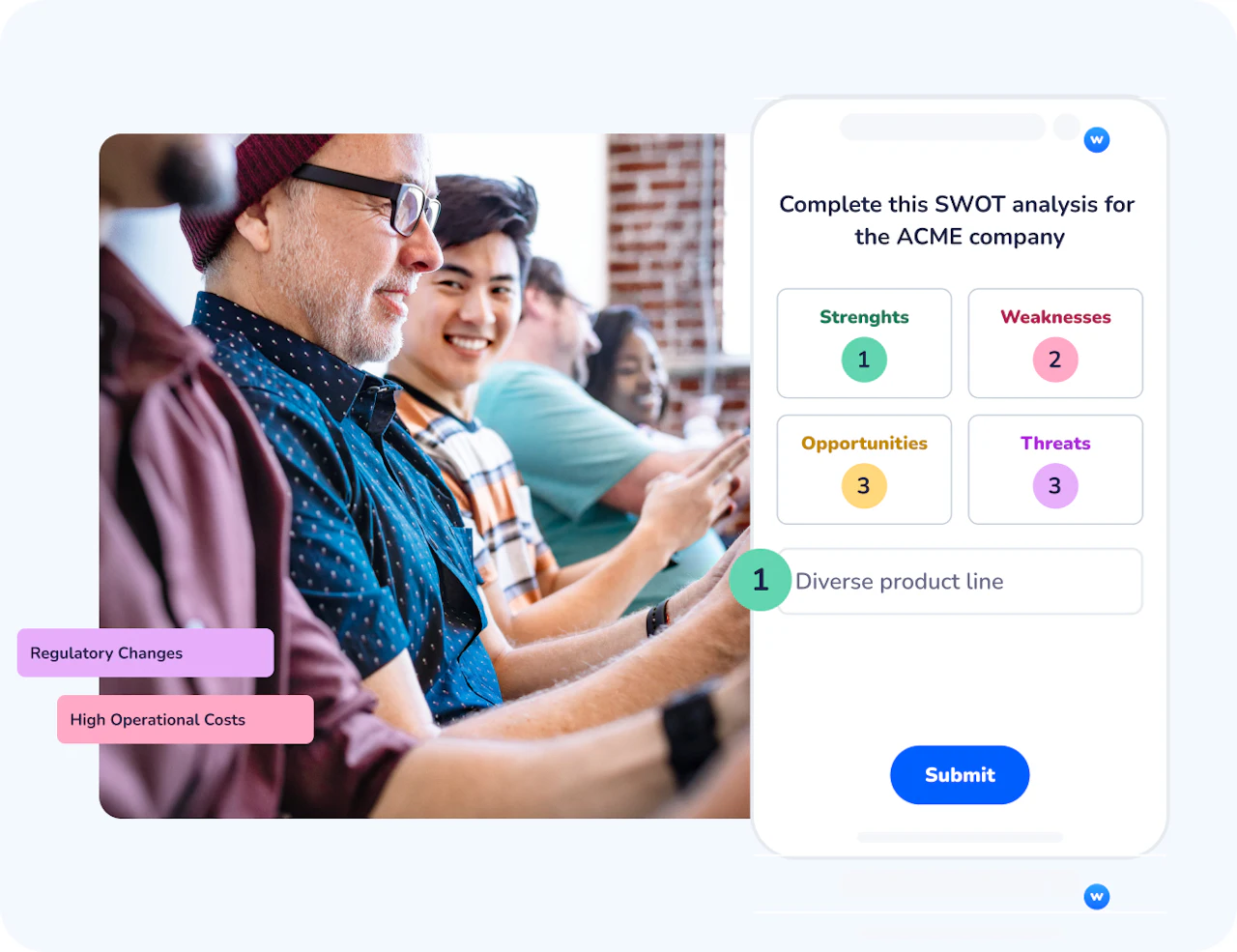
Instead of watching the eduator fill in a matrix, every participant places their own ideas on the framework in real time. This shifts the dynamic from presentation to co-construction: learners engage more deeply, and the result reflects the group's actual thinking rather than one person's synthesis.
A visual summary your group actually owns
Once responses are collected, you can pin the most relevant answers to create a shared visual output. That pinned view becomes the record of the session: exportable as a PDF or Excel report , so no ideas are lost and the debrief starts from something concrete.
How Framework works
Build your canvas
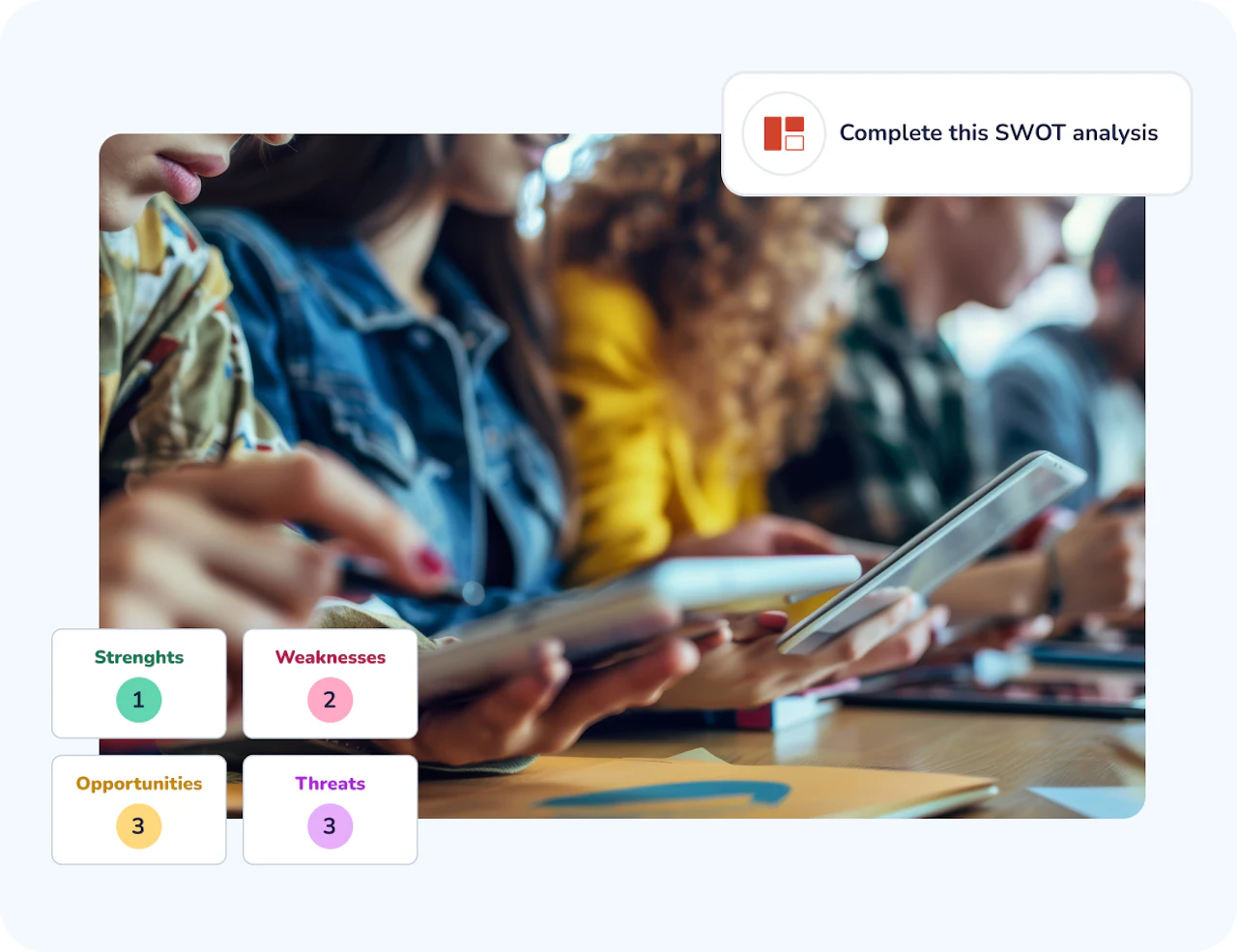
Create a Framework question inside any Wooclap event. Upload the image you want to use as your canvas: choose from Wooclap's built-in gallery (SWOT, Ansoff Matrix, and more) or import your own. Add labels to define the zones participants will fill in.
Collect ideas live
Share your event code and let participants join from any device. Each person submits their ideas zone by zone. Responses appear in real time on your screen, with a counter showing how many answers each area has received.
Moderate and summarise
Switch between grid view and word cloud to explore responses. Pin the most relevant answers to build a visual summary. Merge similar ideas, move contributions across categories, and export the final result as a PDF or Excel report.
How teachers and trainers use Framework
Framework fits naturally into any session that requires structured group input. It works equally well in classrooms, training rooms, and virtual workshops, wherever you need people to think together around a shared model.
Medicine & health sciences
Students map symptoms, diagnoses, and treatment pathways onto a clinical reasoning framework during a live case study, turning a complex decision tree into a collaborative group exercise.
Corporate training & strategy workshops
Trainers use a Business Model Canvas or McKinsey 7S to structure team reflections during an onboarding session or strategic review.
Social sciences & humanities
Educators ask participants to position stakeholders, power dynamics, or causal factors onto a shared analytical model during a seminar discussion or policy case study.
Engineering & project management
Teams use a risk matrix or design thinking canvas to collectively identify constraints, opportunities, and priorities at the start of a project sprint.
AI that supports effective formative learning
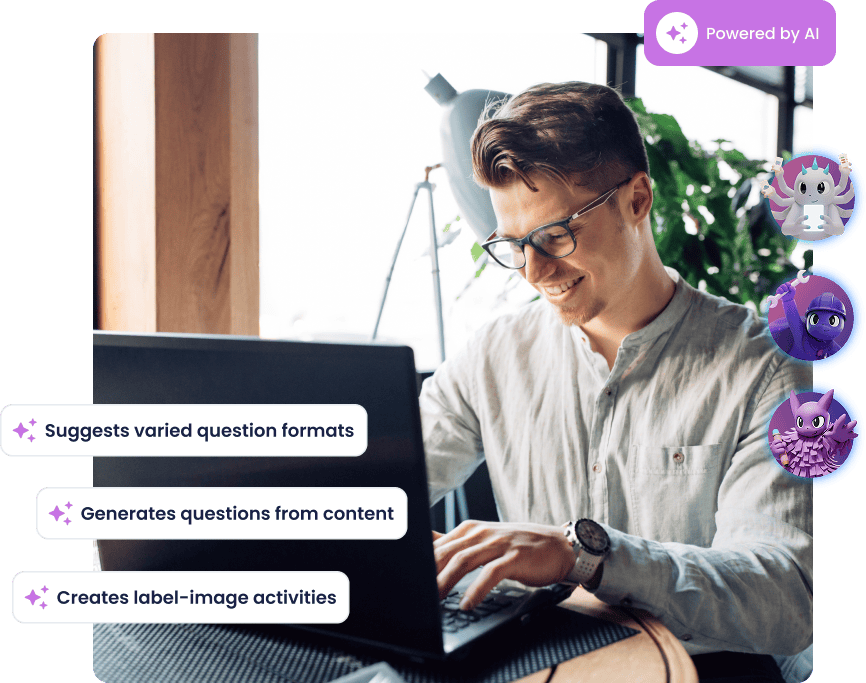
Wooclap's AI helps you create richer learning moments with less effort: it generates MCQ follow-up questions to reinforce understanding, groups open responses into clear themes, summarises brainstorming input, and suggests ideas to enrich any activity. These AI agents save time, surface misconceptions earlier, and help you focus on guiding deeper learning.
Everything you need to run collaborative framework sessions
Upload any canvas
Import any image as your framework background, standard models or fully custom templates, so you're never limited to a fixed set of formats.
Correct order defined by you
Enter the elements and set the right sequence when creating the question. Wooclap automatically scores responses and displays results against the correct answer.
Define clickable zones
Create labelled areas directly on the image that participants click to submit their ideas, keeping every contribution automatically sorted by category.
Switch between views
Toggle between grid, word cloud, and category views to explore responses from different angles and adapt your facilitation on the fly.
Pin answers for a shared summary
Highlight the most relevant contributions by pinning them, creating a visual record of the group's output that everyone can see before the debrief.
Export results as PDF or Excel
Download a full report of all contributions, including pinned answers and category breakdowns, so nothing is lost after the session ends.
Ready to run your first collaborative framework?
Start with a ready-made SWOT template or build your own canvas in minutes. No setup required, just create an event, add a Framework question, and invite your participants.

Frequently asked questions
Have questions? We’ve got answers to help you get the most our your questions