


Audio and video, embedded in your session
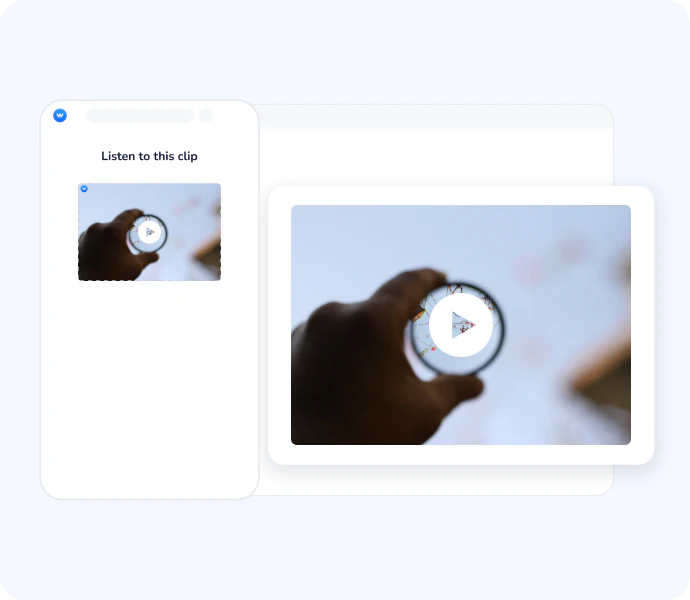
Wooclap's Audio/Video feature lets you insert videos and audio files directly into your event, no switching tabs, no external player. In live sessions, you control whether the media plays on participants' screens too. It works seamlessly alongside your interactive questions, for live sessions and self-paced learning alike.




Why Audio/Video makes your sessions more effective
Richer explanations without extra tools
Instead of leaving your session to open a browser tab or switch applications, you embed media directly in your Wooclap event. The flow stays intact: context, content, and interaction all in one place.
Full control over what participants see
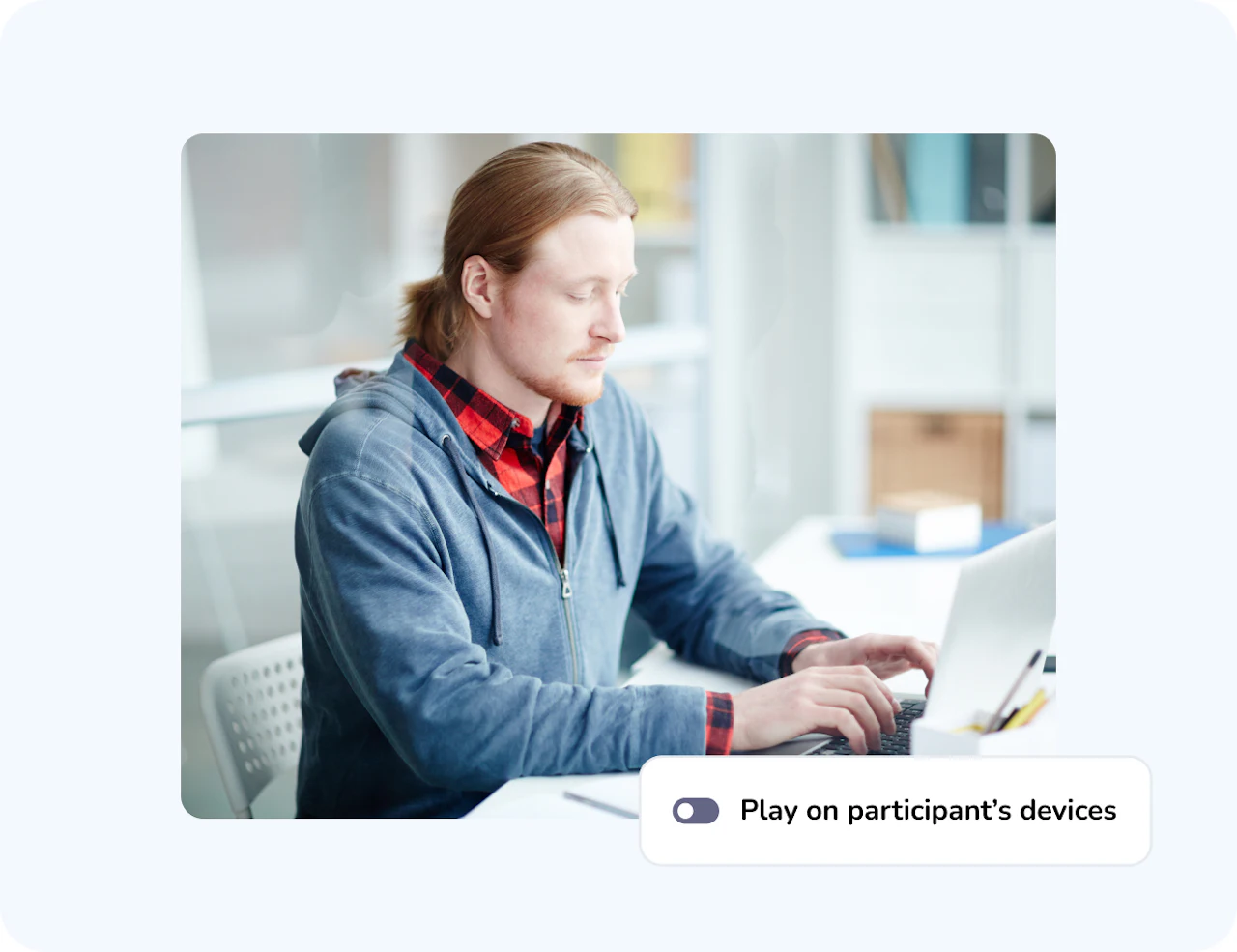
In live sessions, you decide whether the video plays on participants' devices or only on the presenter's screen. You can also define exactly which segment to play, setting a start and end time, so participants only see what's relevant.
Works for live and self-paced learning
In a live session, you control playback. In a self-paced session, the video plays automatically on participants' devices when they reach that point. The same content supports both formats without any additional setup.
From narration to demonstration, in context
Some concepts are easier to show than to explain. Embedding a video or audio clip at the right moment in your session, right before a question, right after an explanation, gives learners the context they need to engage meaningfully. There's no disruption to the flow, no "let me just find that clip."
Precision matters: show only what you need
A three-minute video often has thirty seconds of genuinely useful content for your session. Wooclap's start and end time controls let you isolate that segment without editing the original file, so learners focus on exactly the right moment, and you don't waste time managing external tools.
How Audio/Video works
Add your media
In any Wooclap event, click New question and select Audio/Video under Showcase Information. Paste the URL of an online video (YouTube, Vimeo, ) or upload an mp3 or mp4 file directly from your computer. You can also add a text description of the media, useful for participants who may have difficulty accessing audio or video content.
Customise the playback
Set a start and end time to isolate the exact segment you want to show. Choose whether the media plays on participants' devices or on the presenter's screen only. Optionally add a text description for accessibility.
Play it during your session
In a live session, control playback yourself and move to the next question when ready. In a self-paced session, the media plays automatically when participants reach that point in the event.
How teachers and trainers use Audio/Video
Audio/Video fits any session where a visual or audio reference strengthens understanding, used as context before a question, as evidence during a discussion, or as self-paced content between activities.
Sciences & medicine
Instructors embed a short clip of a biological process, surgical procedure, or lab experiment to illustrate a concept before asking learners to answer related questions.
Humanities & social sciences
Teachers share a documentary excerpt, a speech, or a historical recording as the primary source for a discussion or analysis activity.
Language learning & listening comprehension
Educators use audio clips or video segments to test listening skills, with questions following immediately in the same event flow.
Corporate training & onboarding
Trainers embed product demos, recorded interviews, or process walkthroughs in self-paced training events, so learners engage with real content before applying it.
AI that supports effective formative learning
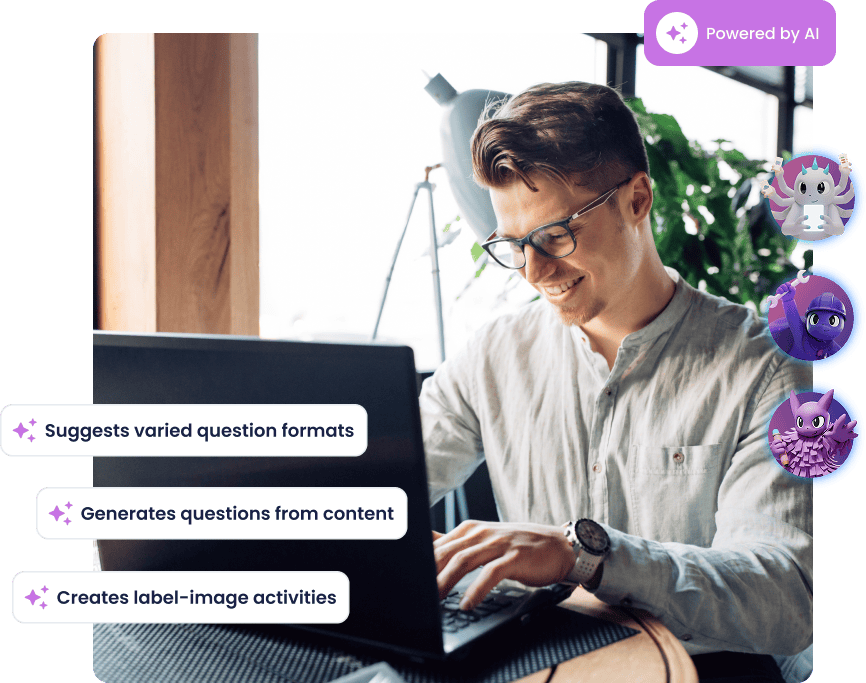
Wooclap's AI helps you create richer learning moments with less effort: it generates MCQ follow-up questions to reinforce understanding, groups open responses into clear themes, summarises brainstorming input, and suggests ideas to enrich any activity. For video content specifically, the AI Question Builder can use the audio track of a video to generate questions automatically,turning a clip you already use into a ready-to-launch activity.
Everything you need to embed media in your sessions
Online video from any major platform
Paste a URL from YouTube, Vimeo, or Dailymotion to embed the video directly, no download or conversion needed.
Upload your own audio or video file
Import mp3 or mp4 files from your computer to use personal recordings, podcasts, or custom-produced content.
Set start and end times
Define exactly which segment of a video or audio file to play, so participants only see the relevant part, without any external editing.
Control display on participants' devices
In live sessions, choose whether the media plays on participants' screens or on the presenter's screen only, adapting to your session format and room setup.
Automatic playback in self-paced mode
In participant-paced sessions, the media plays automatically when learners reach that point in the event, no presenter needed.
Accessibility description
Add a text alternative for each audio or video file to support screen readers and make your content accessible to all participants.
Ready to bring your sessions to life with media?
Add a video or audio clip to your next Wooclap event in under a minute, no external tools, no tab switching, just content where you need it.
Frequently asked questions
Have questions? We’ve got answers to help you get the most our your questions